

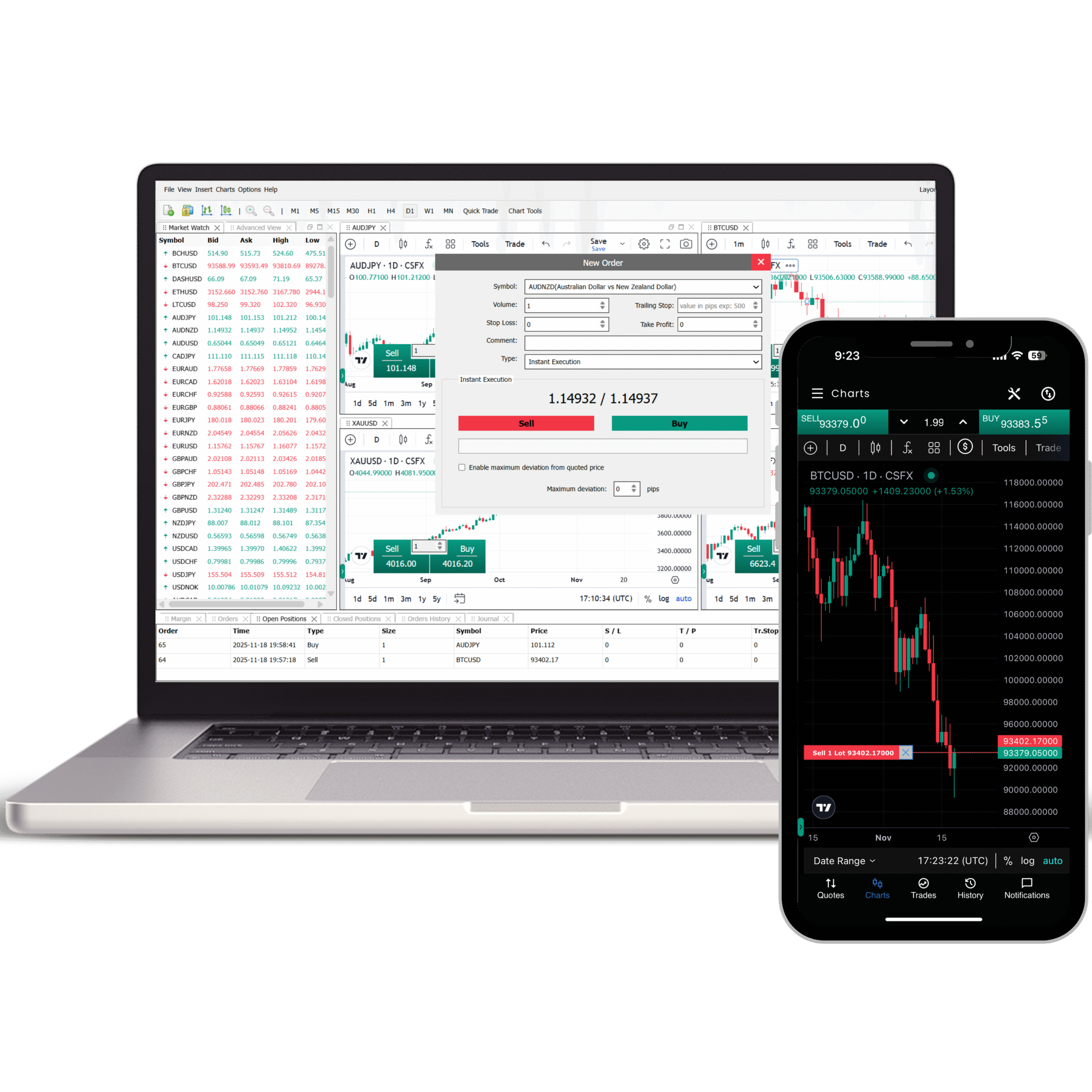
AltX
The professional terminal, evolved.
Web, Desktop, Mac, Windows, iOS, Android, Tablet
TradingView charting library with full indicator suites. Available globally without restriction—no app store dependency.
Trade directly from charts with one click
Drag-and-drop order modification
Native Trailing stop & Integrated Copy Trading
Fully customisable layout — save and restore
01
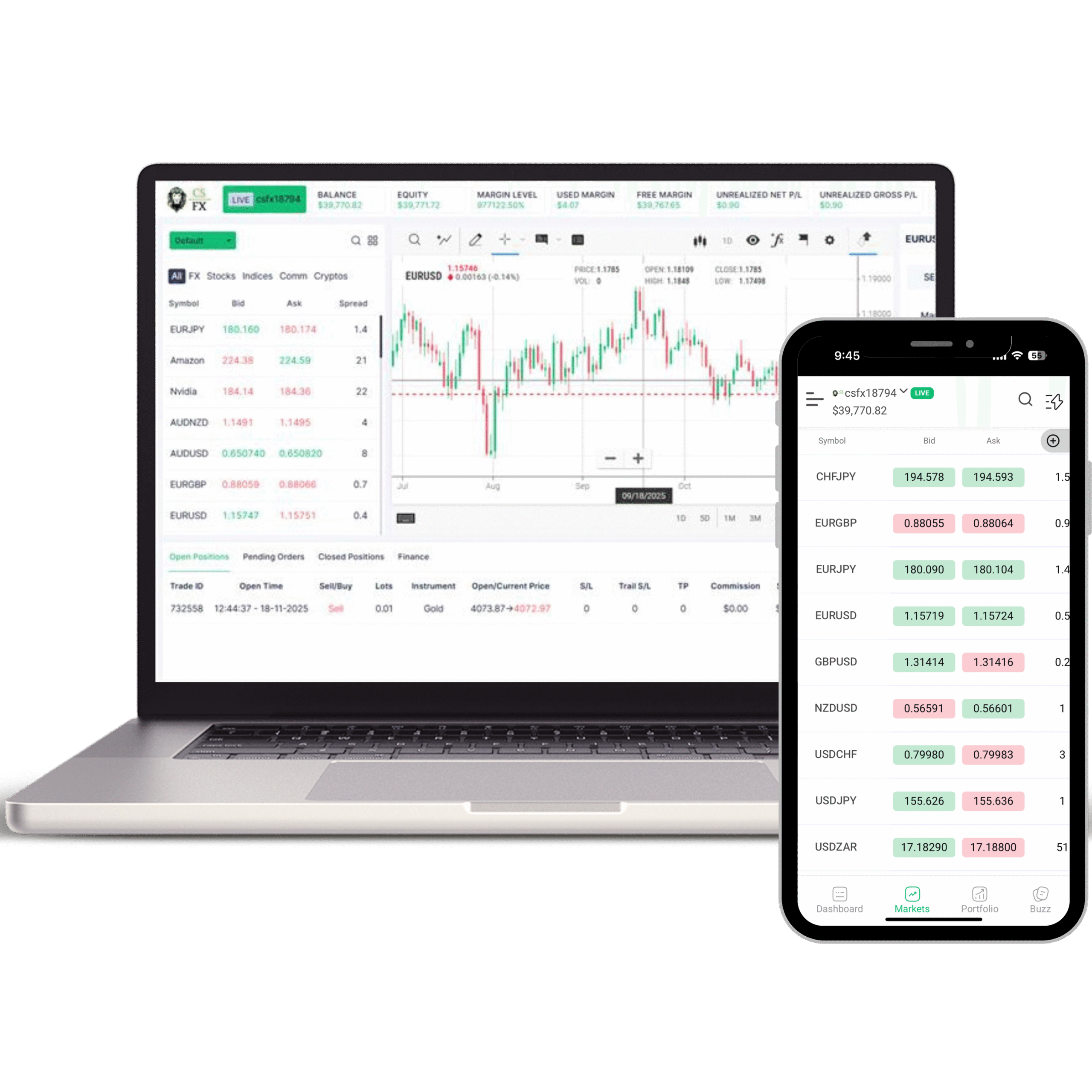
FXYFi
Engineered for execution speed.
Web, Desktop, Mac, Windows, iOS, Android, Tablet
Proprietary execution infrastructure—world's fastest. Clean, focused trading without app store restrictions.
Smart Trade feature for precision entry
Trade directly from charts & one-click views
Custom workspace configuration
Proprietary charting tools & ultra-fast data
02
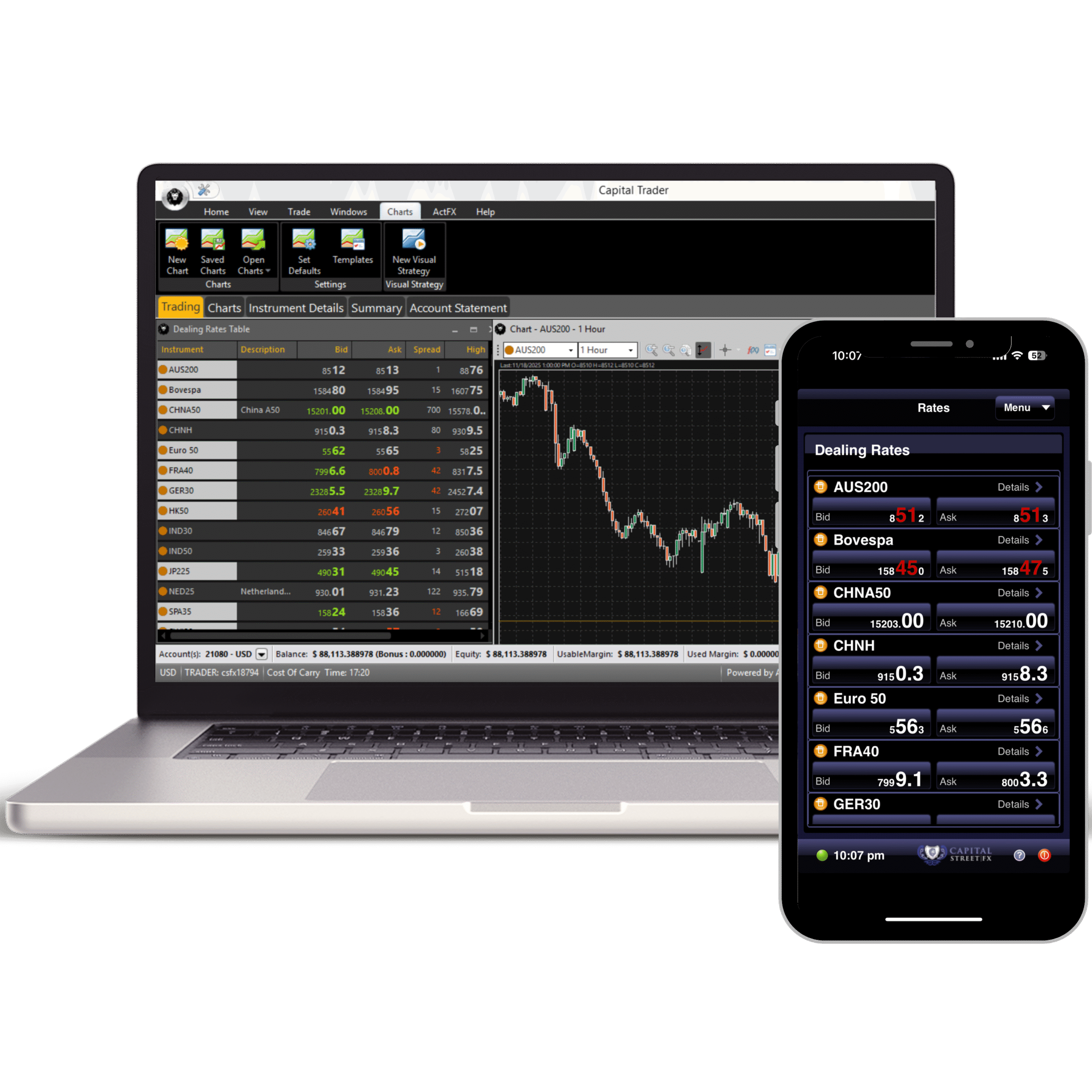
Act
Algorithmic, automated, institutional.
Web, Desktop, Mac, Windows, iOS, Android, Tablet
The institutional standard for automated trading. Run EAs or build bots natively with no coding required.
Run Expert Advisors (EAs) natively
Text-based trading bot builder — no coding
MAMM / PAMM multi-account execution
Full API access for custom integrations
03
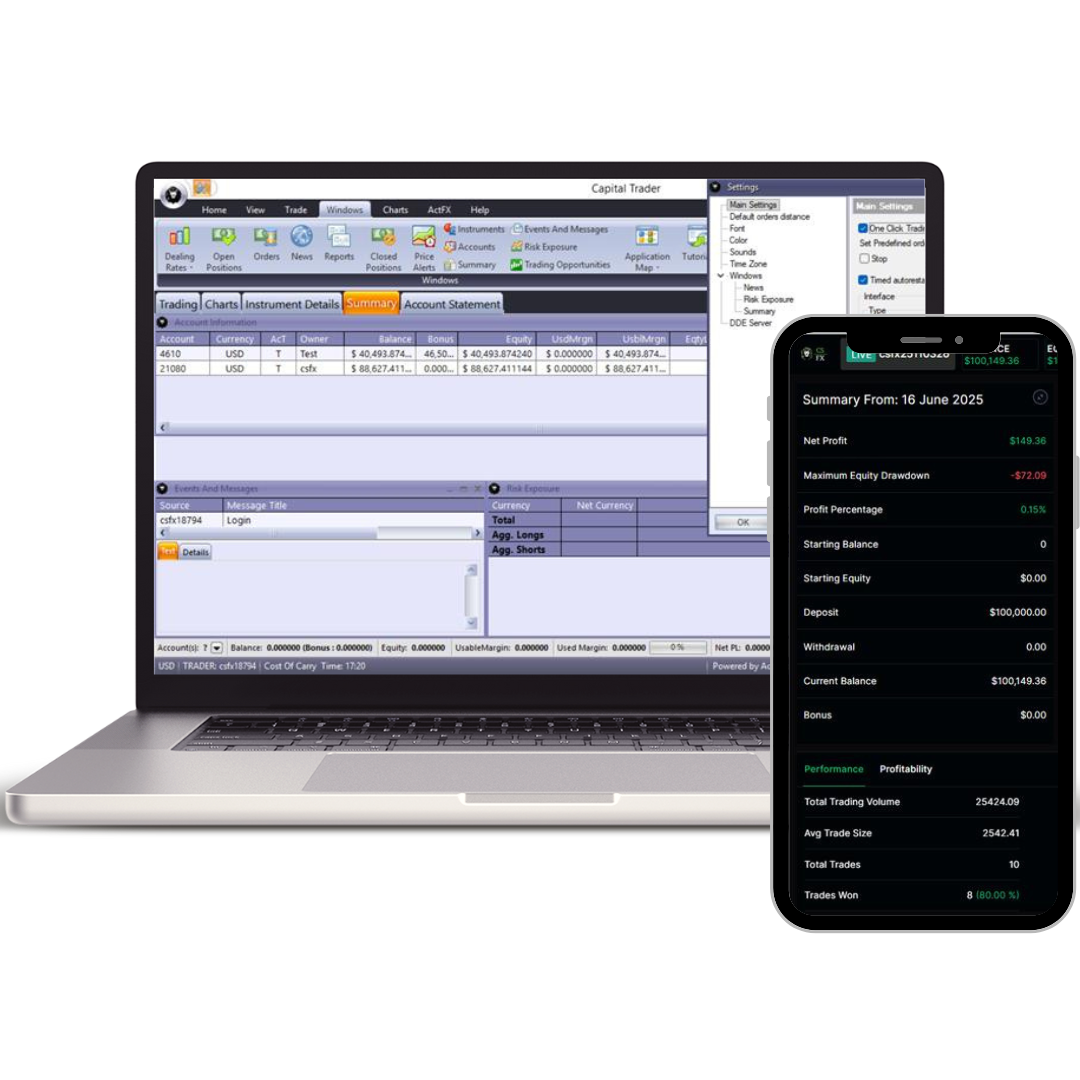
MAM/PAMM
Professional Money Managers.
Bulk Account Management
Execute bulk trades across multiple client accounts with precise, flexible allocation and real-time oversight.
Multi-Account Trading Management
Flexible Equity-based Allocation Models
Real-time Performance Reporting
04
Market Analysis
Asia Live — USD/JPY Capped Below…
Asia markets live: USD/JPY stays below 157 on intervention risk as Japan is shut. KOSPI reclaims 7,000, oil falls 2% ahead of the Trump-Xi summit.
Read More